





- Generated by
 1.14.0
|
Comms CCF
This is a simple communication layer based on COBS, CBOR and FNV-1A
|
Files | |
| ccf-config.hpp | |
| Config for the Comms-CCF use. | |
| ccf-uart0.h | |
| C interface to use Comms-CCF over the LM3S6965 UART. | |
| FreeRTOSConfig.h | |
| log-task.h | |
| FreeRTOS Task which just logs periodically over Comms-CCF. | |
| mutex.hpp | |
| Simple wrapper around the FreeRTOS mutex. | |
| rpc-task.h | |
| FreeRTOS Task which handles RPC calls. | |
This is using the Demo/CORTEX_LM3S6965_GCC_QEMU of my fork, with the Demo/Common files removed, and the Demo/drivers/LuminaryMicro copied (to avoid cloning the 1.5GiB FreeRTOS repo.
Also cleaned up the whitespace, and converted to LF line endings.
Adding comms-ccf is done in the commit
which is hopefully small and stand-alone enough that it is easy to understand.
To run the demo, first do
and then you can run
| Summary | .text | .bss | .data |
|---|---|---|---|
| No Comms-CCF | 11.54KiB | 3.54KiB | 356B |
| Add Comms-CCF, no RPC handlers | 13.26KiB (+1.72Ki) | 5.62KiB (+2.09Ki) | 356B (no change) |
| Add version RPC call | 14.16KiB (+920) | 5.64KiB (+24) | 356B (no change) |
| Add add call | 14.89KiB (+752) | 5.67KiB (+28) | 356B (no change) |
| Add sub call, similar to add | 14.95KiB (+56) | 5.70KiB (+28) | 356B (no change) |
| Add greet call | 15.25KiB (+312) | 5.72KiB (+24) | 356B (no change) |
| Add readm_mem and write_mem calls | 16.64KiB (+1.39Ki) | 5.78KiB (+56) | 356B (no change) |
| Add test log task | 20.78KiB (+4.14Ki) | 6.86KiB (+1.09Ki) | 356B (no change) |
| Inline vtable | 20.75KiB (-28) | 6.89KiB (+24) | 356B (no change) |
| Deferred formatting | 19.85KiB (-920) | 6.86KiB (-24) | 356B (no change) |
These were calculated with python compare/update_table.py. The stack sizes were calculated by looking at actual stack usage, and picking a number about 2x that, to be safe. The flash usage could be lower, but it's not terrible.
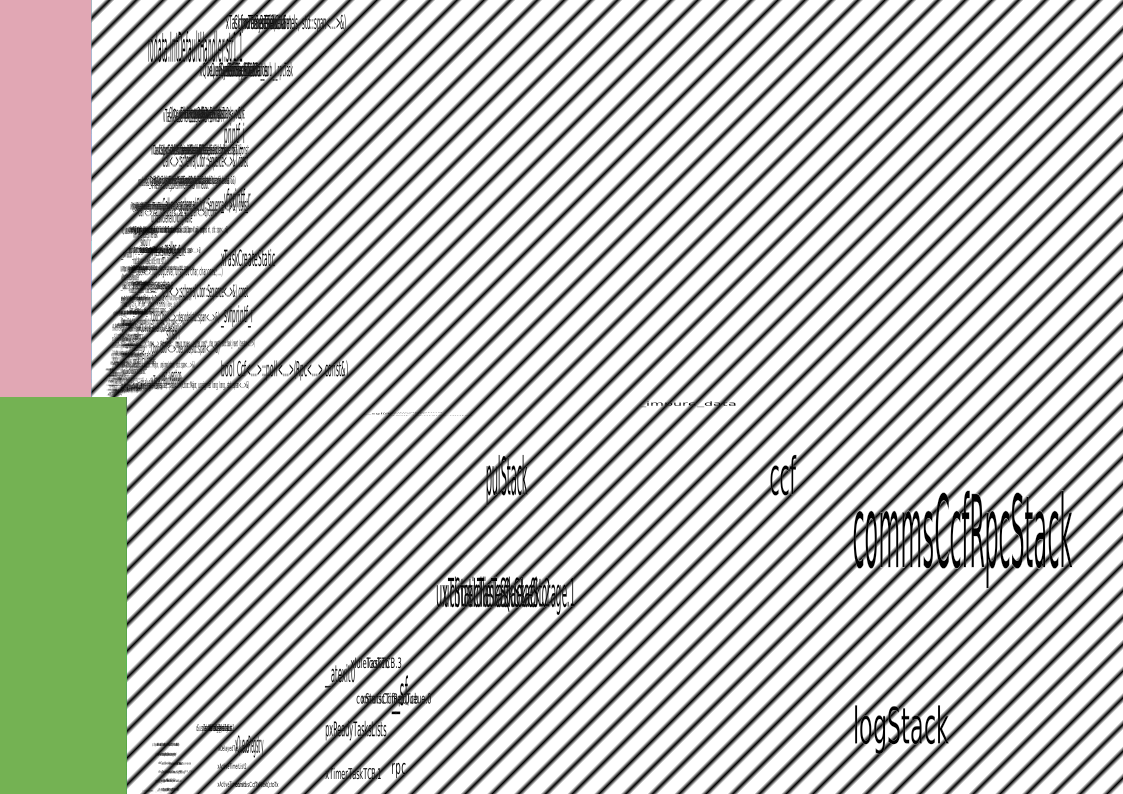
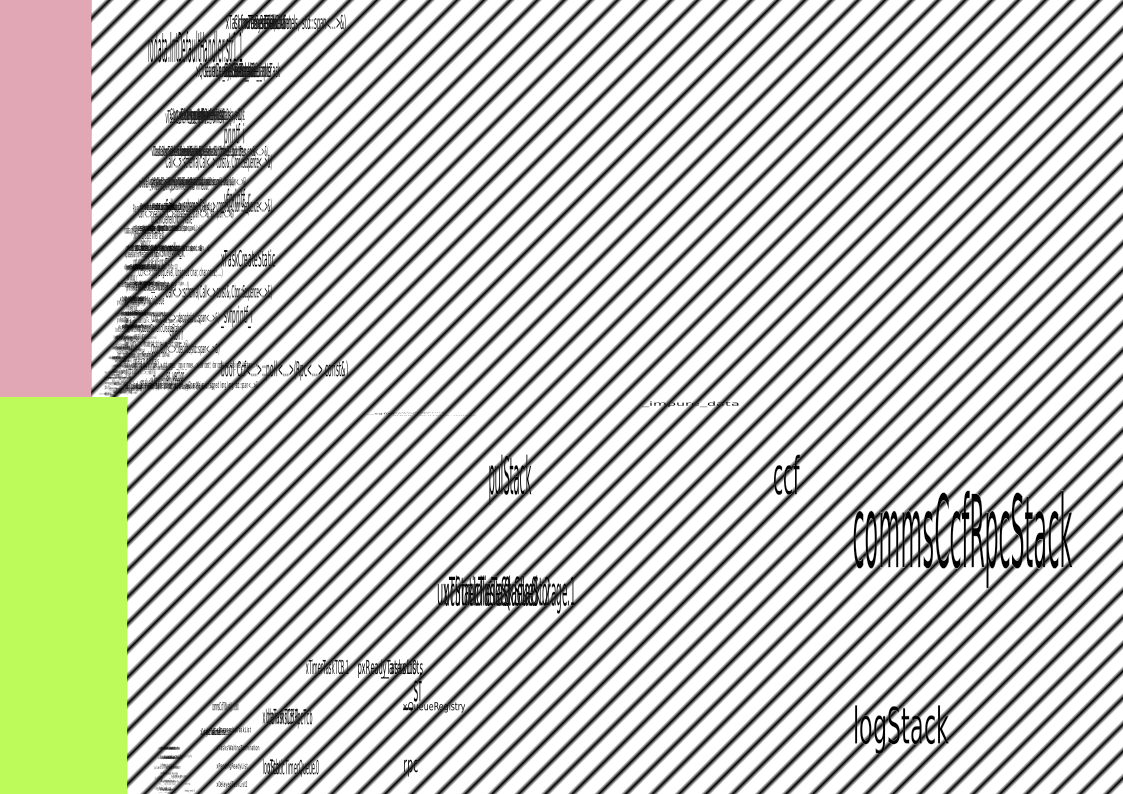
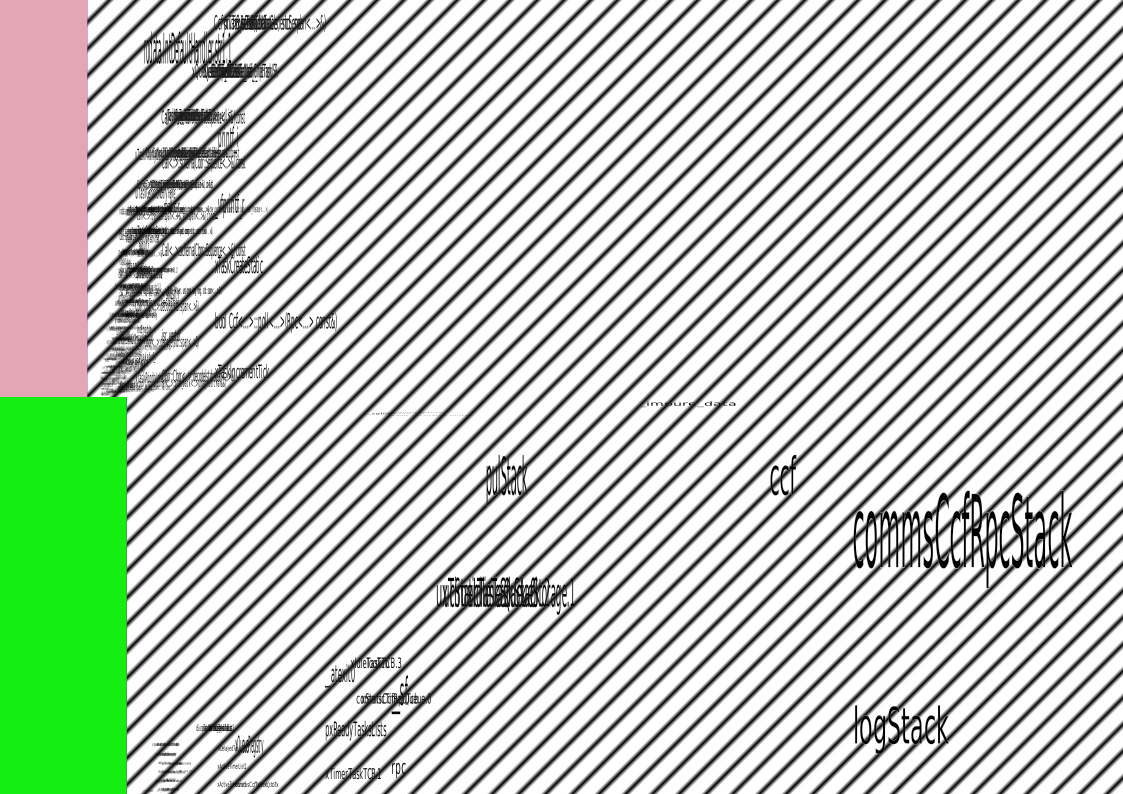
If you want more details of exactly what is added, look at either the SVGs linked, or misc/compare.md. The descriptions in the table above link to an interactive SVG (open the "raw" SVG in your browser, then you can click on areas/sections to zoom).
1.14.0